.png)
Syncio connects two or more Shopify stores and keeps inventory, products, and orders in sync across all of them in real-time.



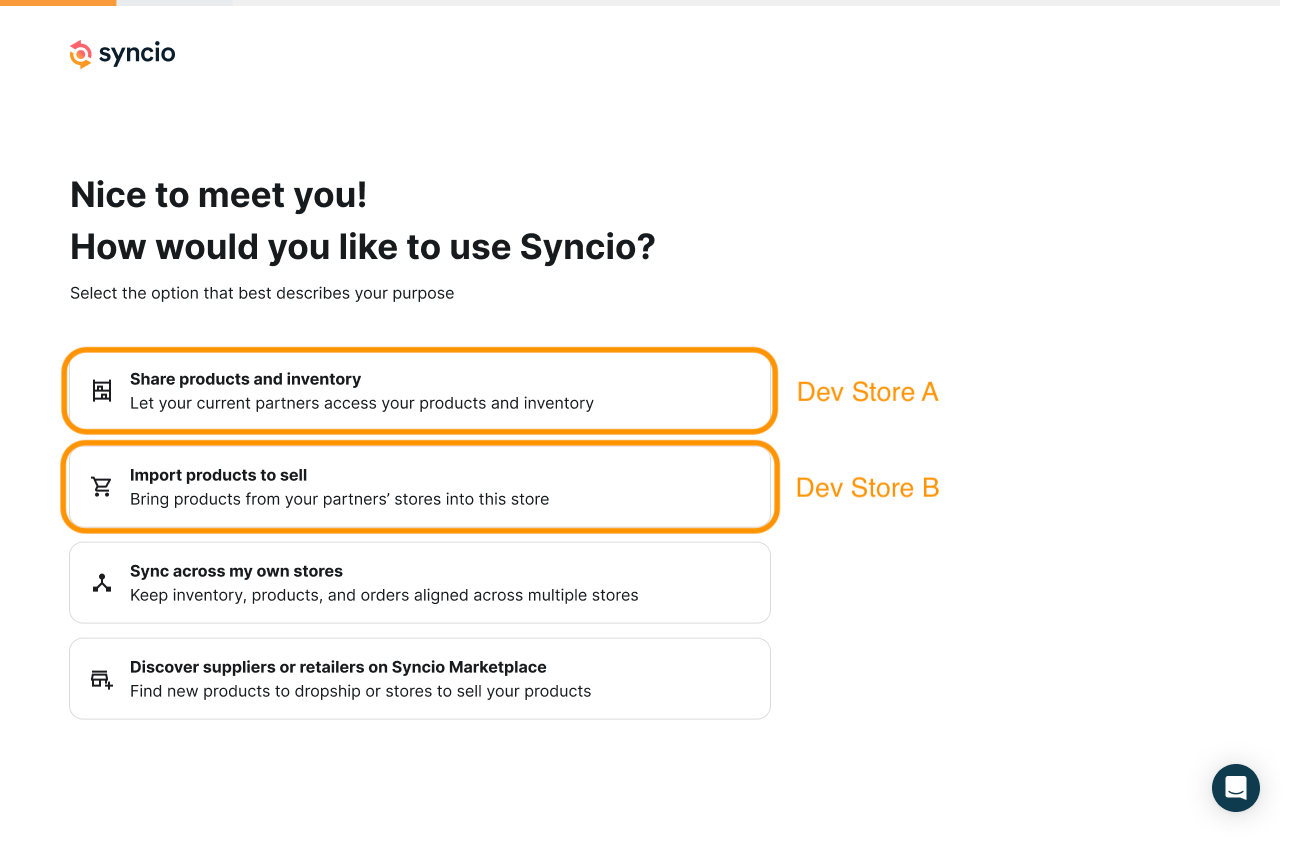
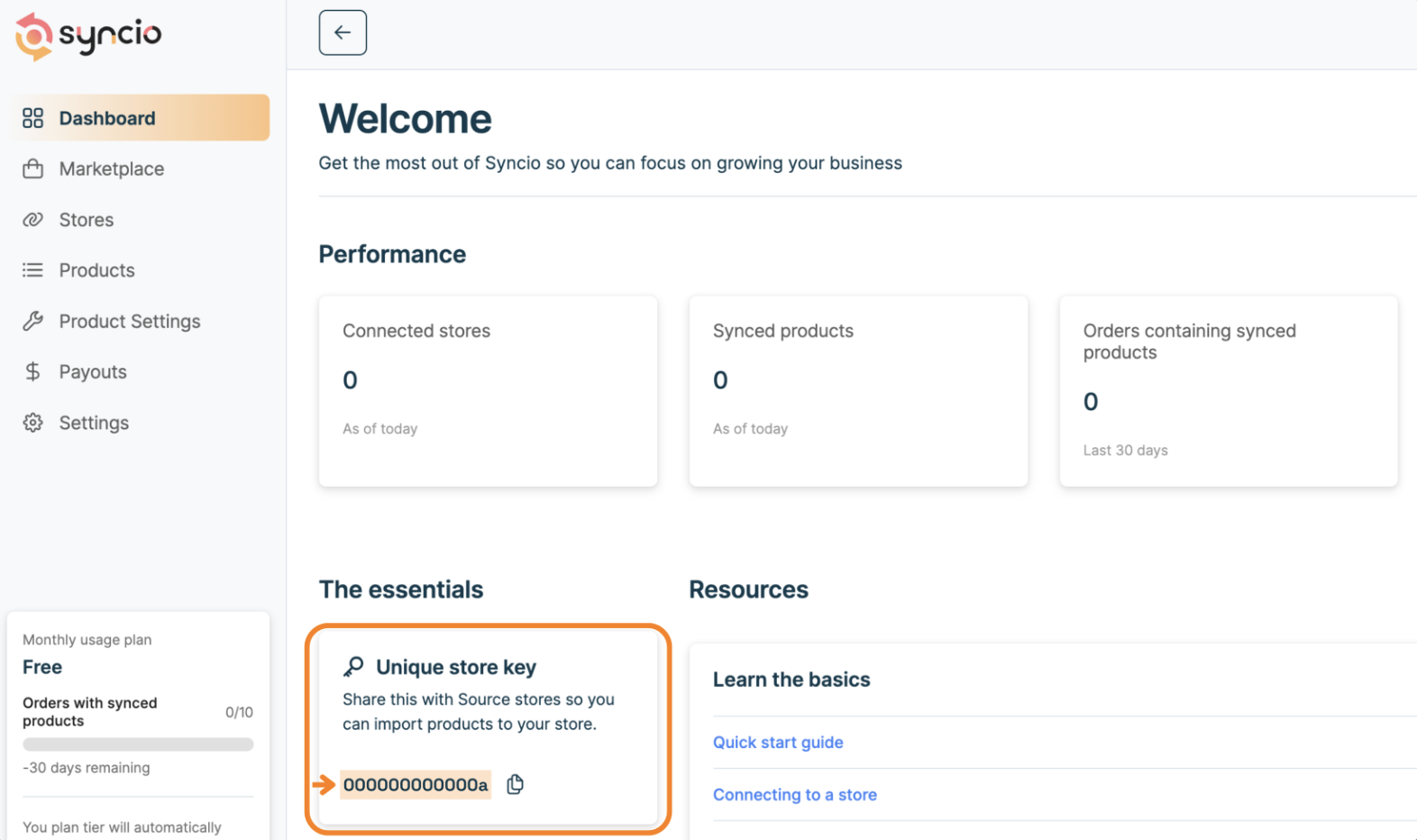
Syncio syncs stores based on roles. Every store is either a Source Store or a Destination Store. Both stores need to install the Syncio app.
Products are copied or mapped across from the Source to the Destination. Destination Stores can choose specific products or bulk-select all, then click 'Sync'. Mapping needs unique, matching SKUs and the same number of variants on both sides — see the for details.
From here, synced products share one live stock count across both stores. Sell it on either side, and the quantity updates automatically for both.
Live — click to see it sync
Connect as many Source and Destination Stores as a setup needs, in any combination. Sell that product anywhere it's synced, and every connected store updates.
Source and Destination Stores are priced differently, but both have plans starting at $0/mo.
Choose a subscription plan based on the total number of products you need to sync.
Pricing tier is reset automatically each month based on orders with synced products. Free under 10 orders a month.
Add-on features like Product Settings, Orders, Payouts, and Metafields are priced separately from the base plans above, and are only available for Shopify.
Full pricing at syncio.co/pricing.
"We use Syncio to link our B2B and B2C Shopify stores — inventory carries over without a hitch, and every order lands in one place. It just works."
.png)
"Syncio has saved our team hours of work per week - updating products in real time across multiple regions so we can make faster, more informed decisions."

"Syncio has evolved our business into a seamless dropshipping operation, saving us hours of manual work in managing our supplier brands."
.png)
A rollout checklist for taking a client from first setup through to a fully live, production-ready sync.
We offer free dev store plans so you can build with, test, and validate Syncio in a real environment before adding it to your rolodex.
Test the supplier/source side of Syncio without restrictions on a Shopify dev store.
All add-ons included. Full feature access to validate the complete sync workflow.
Test real-time inventory sync and product attributes, order push, and payouts add-ons for free.